To design a cultural itinerary for a tour group, build it around a clear theme, anchor every stop to verified location and history data, sequence the stops to minimise backtracking, and carry the route offline as a GPX or KML file. This is a short, practical guide from Cultural Heritage Online, for operators and guides.
Start with a theme, not a checklist
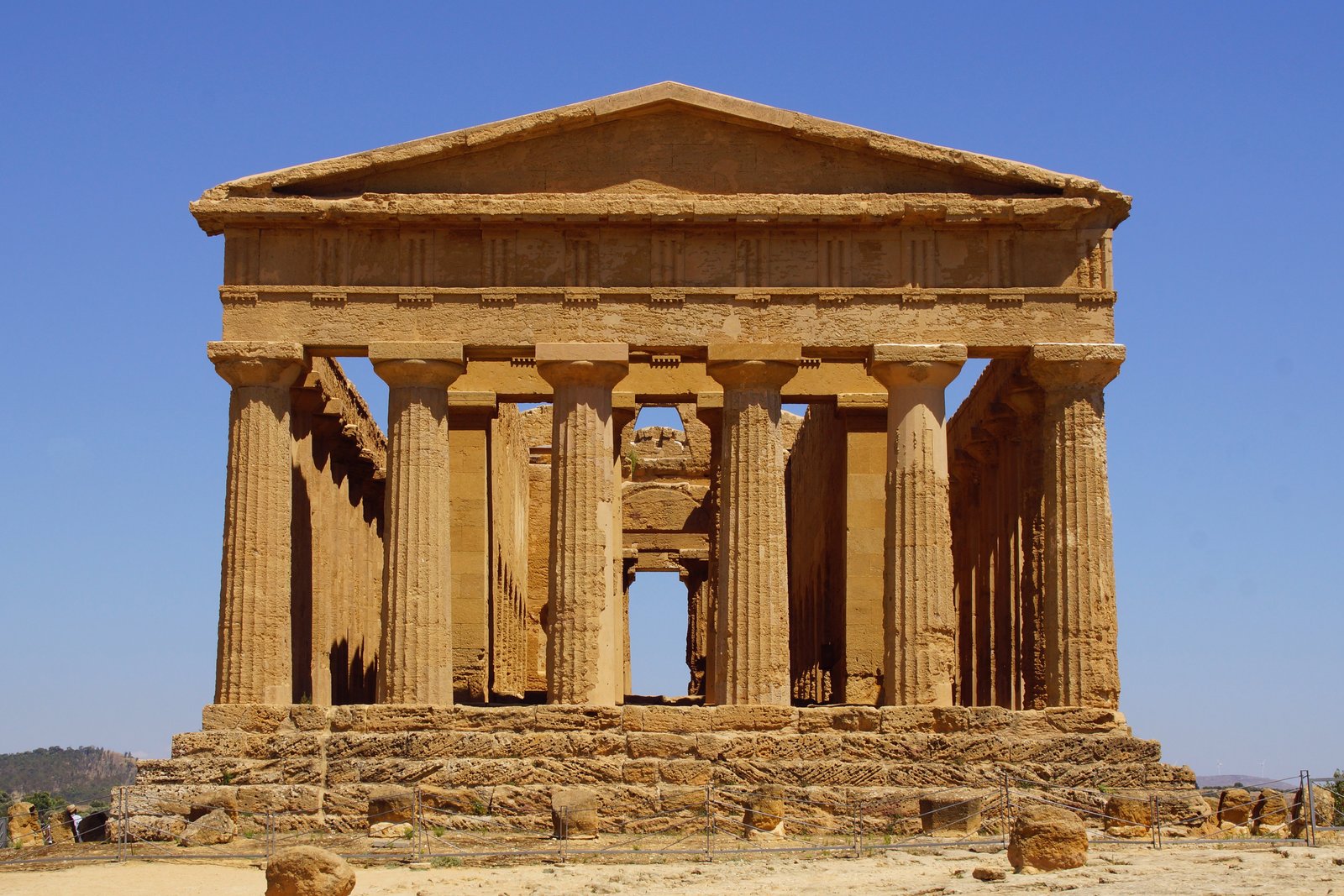
A group itinerary holds together when it has a single thread — a period, an architectural movement, a landscape, a craft. A Greek-Sicily route from the Valley of the Temples, a Liberty-architecture walk through Milan, a Romanesque loop through Emilia: each gives the day a logic that a list of unrelated highlights never achieves, and it is easier to sell and to remember.
Anchor every stop to real data
For a group, logistics are unforgiving: a wrong address or an unverified opening time strands forty people. Each stop needs exact coordinates, accurate history a guide can speak to, and realistic timing. CHO documents more than 17,100 heritage places with sourced editorial cards and GPS, which gives a route reliable anchors rather than guesswork.
Sequence to cut backtracking
The difference between a smooth day and an exhausting one is order. Plot the candidate stops on a map first and let geography decide the sequence, not fame. CHO’s interactive map shows where stops actually cluster, so you can group them by neighbourhood and keep transfers short — and spot the quieter sites next to the famous ones, which often make the best group stops precisely because they are not crowded.
Carry the route offline
Signal fails on hill paths, inside monuments, and in old town centres. Every CHO itinerary exports as a GPX or KML file that opens in a phone’s offline map or a GPS device, so the guide keeps the route, the stops, and the coordinates whether or not there is a connection. That reliability is what separates a planned day from an improvised one.
For the wider case for routing groups away from the saturated hotspots, see our guide to cultural travel beyond mass tourism.
Frequently Asked Questions
How do I design a cultural itinerary for a tour group?
Choose a single theme, anchor each stop to verified coordinates, history, and realistic timing, sequence the stops by geography to minimise transfers, and carry the route offline as a GPX or KML file so it works without signal.
What information does each stop on a group itinerary need?
An exact location, accurate history the guide can present, realistic visiting time, and practical access notes. For a group, an unverified address or opening time is a serious failure, so reliable, sourced data matters more than for a solo traveller.
How do I avoid an exhausting, badly ordered route?
Plot all candidate stops on a map before fixing the order, and let geography decide the sequence rather than fame. Grouping stops by neighbourhood keeps transfers short and leaves time at each site.
Can I use CHO itineraries offline on a tour?
Yes. Every CHO itinerary exports as a GPX or KML file that opens in an offline phone map or a GPS device, so the route and its coordinates remain available where mobile signal does not.
Sources used in this article
- CHO interactive heritage map — 17,100+ places with GPS and GPX/KML export.
- CHO place_card Valley of the Temples — Agrigento, Sicily.
- CHO magazine Cultural travel beyond mass tourism.